
PLEASE NOTE: Supercity support does not handle any in-game payments directly.
If you have a payment issue, you are kindly asked to contact the payment service provider—Xsolla.
To contact Xsolla support, please go to this link: https://help.xsolla.com/
On this website, there is a list of articles describing various payment issues—click on the link that pertains to your problem or use search.
On this website, there is a list of articles describing various payment issues—click on the link that pertains to your problem or use search.
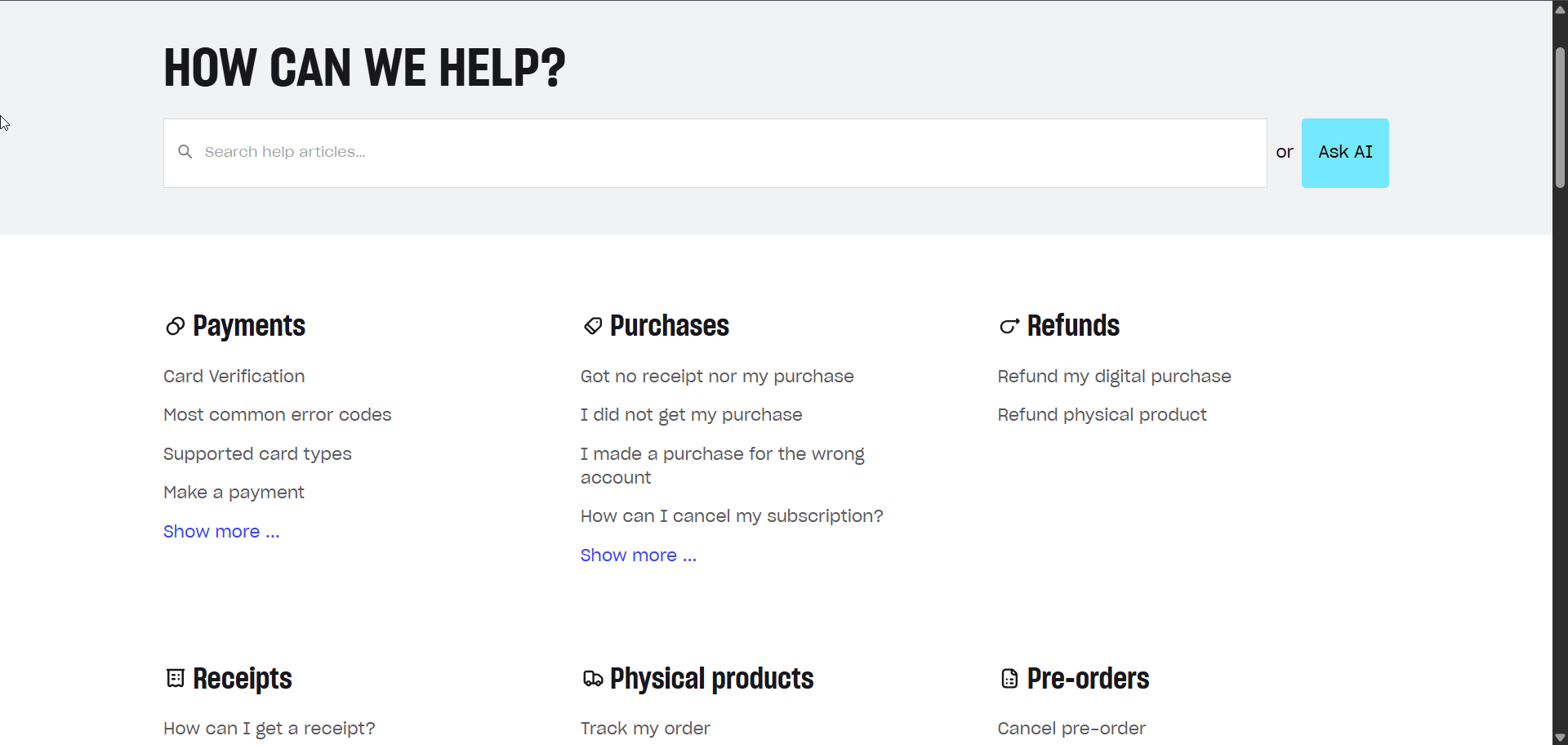
If you cannot find a solution or need to submit a direct request to support, you can do so in two ways:
- Xsolla Wallet (Recommended): Log into or create your account at https://wallet.xsolla.com/. From your account, you can manage your transactions, submit refund requests, and get quicker help via Live Chat (average response time is 1 minute).
- Support Form: Alternatively, you can send an email to the support team by filling out the contact form located at the bottom of the pages on the Xsolla Help Center website (average response time is about 10 hours).
Please note:
- If you get any kind of error on the portal while trying to make a payment, you would need to take a screenshot of the error and send it to Xsolla support (information on how to take a screenshot is HERE).
- The support may also request your payment receipt. The receipts for payments made on the portal arrive at the email you provided during the registration or, if you use PayPal, to the email of your PayPal account.