
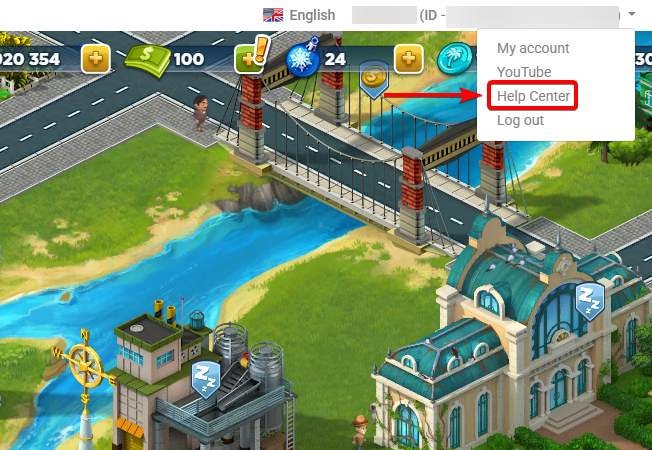
If you play on SuperCity Portal, you can find the link at the top of the game screen:
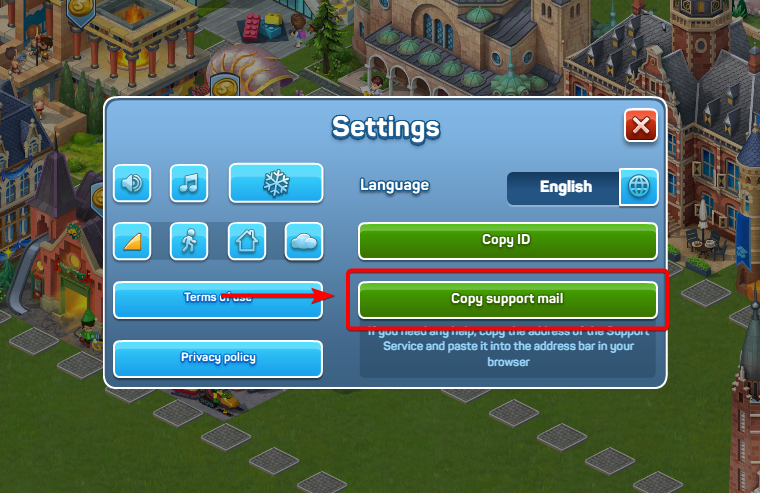
And if you play on Facebook, you can always access our Support Center by clicking on the "Copy support mail" button in the game settings window:
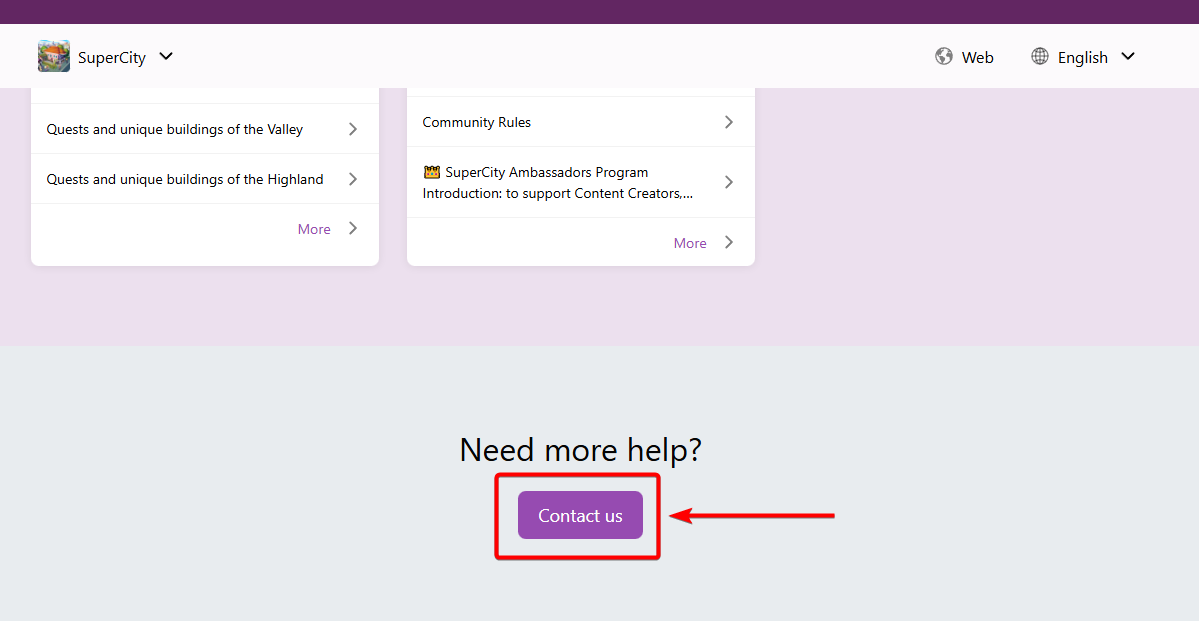
If you don't see any articles that may help you and want to contact our support team directly, scroll to the bottom of the page and click on the "Contact us" button:
There, you will see a form that you would need to fill in to send your request:
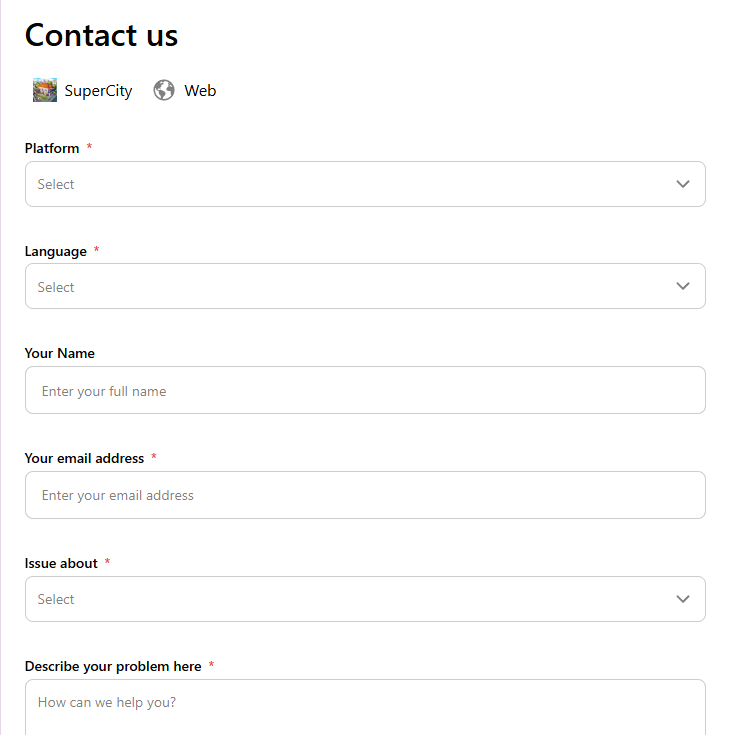
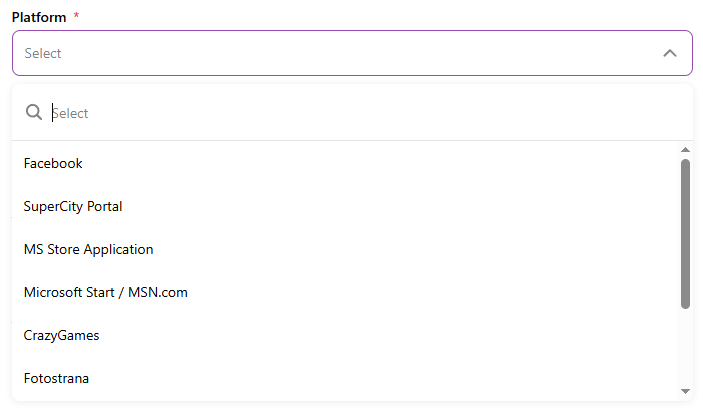
First, choose your platform: the site where you play SuperCity. Choose "Facebook" if you are playing on Facebook, and "Supercity Portal" if you are playing Supercity on our separate site supercitygame.com.
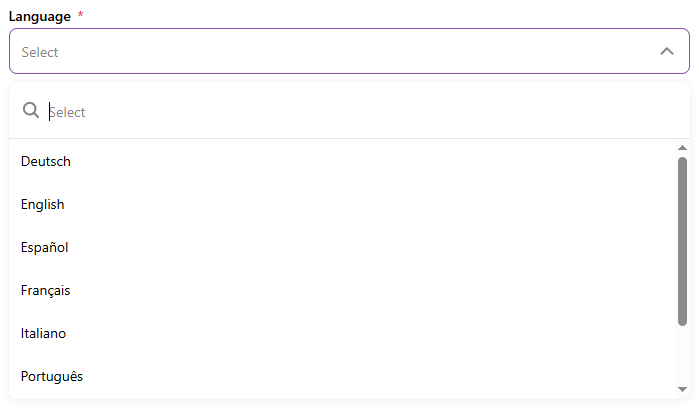
Then, choose the language you prefer for the communication here. If your language is not there, choose "English". Don't worry, you won't have to write to us in English in this case! Please, use the language you are comfortable with. Our support agents will answer in the language that you described your issue in.
In the "Your name" section, please let us know how you would prefer to be addressed.

Next, put in your email address. Please, make sure there are no typos, as this is where our answer will be sent to.

After this, choose the category that is closest to your problem. If there is no corresponding category, please choose Other.
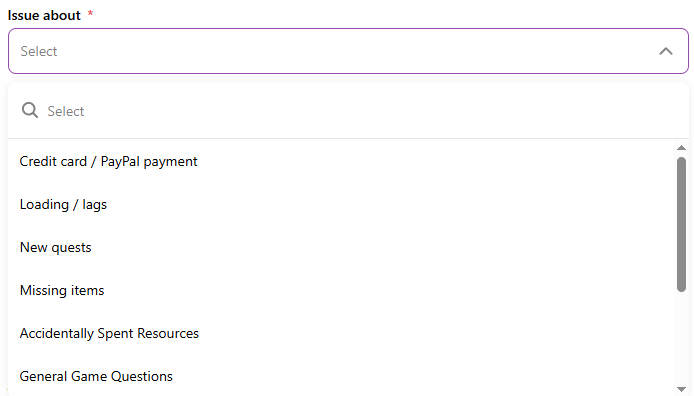
Here are some of the examples that can help you choose a category:
- Credit card/PayPal payment: Your payment didn't go through, or you didn't receive your purchase. Please note that if you can't add a new payment method or you receive any kind of error when trying to make a payment, it is better to contact Facebook support, as all the payments are processed by them.
- Loading/lags: You can't open the game, or the game is freezing and lagging.
- New quests: You are experiencing problems with in-game events.
- Missing items: You didn't receive a quest reward, or the item didn't drop from a building.
- Other: Choose this option if your problem doesn't look like anything above.
Once you choose a category, describe your issue in as much detail as possible. If the problem is with the quest, please let us know which quest it is. If the game is lagging, tell us what measures you have already taken. This information will help us to understand the issue better and assist you faster and more efficiently.

Finally, add your Player ID. You can learn how to find it in this article: How to find your Player ID. Knowing your ID is crucial for us to be able to help you.

If you lost access to your account and don't remember your ID, give us as many details about your old account as possible: your full name, the email you used to register, etc.
The last step is optional but you can also attach some files to your message. It also will help us a lot in understanding what the problem is and helping you much faster.

After you filled in the form, click on the Submit button:

If your request was sent and received successfully, you will receive an automated email saying that your request is being processed.