
How can I find out if my profile is linked to my Google Play account?
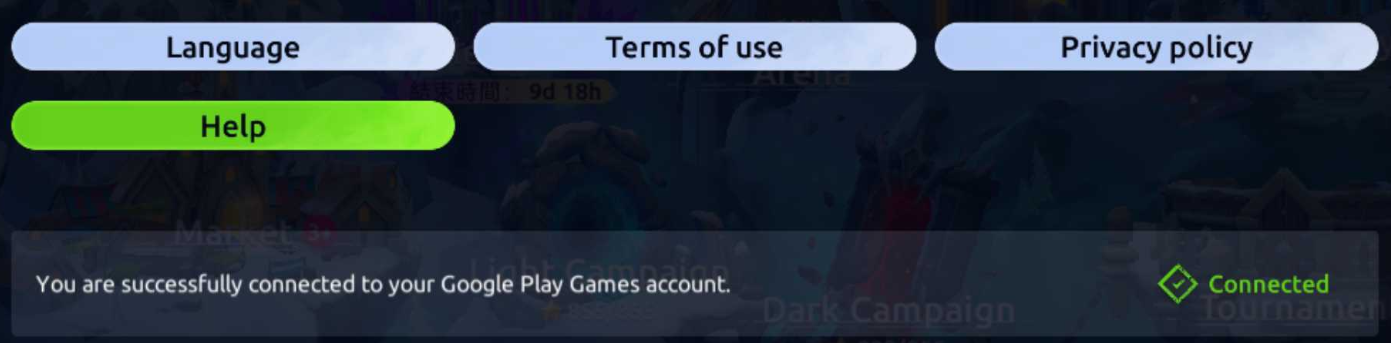
Open the in-game Settings screen. If you see the message ‘Connected to your Google Play Games account’, everything is fine - your profile is synchronised.
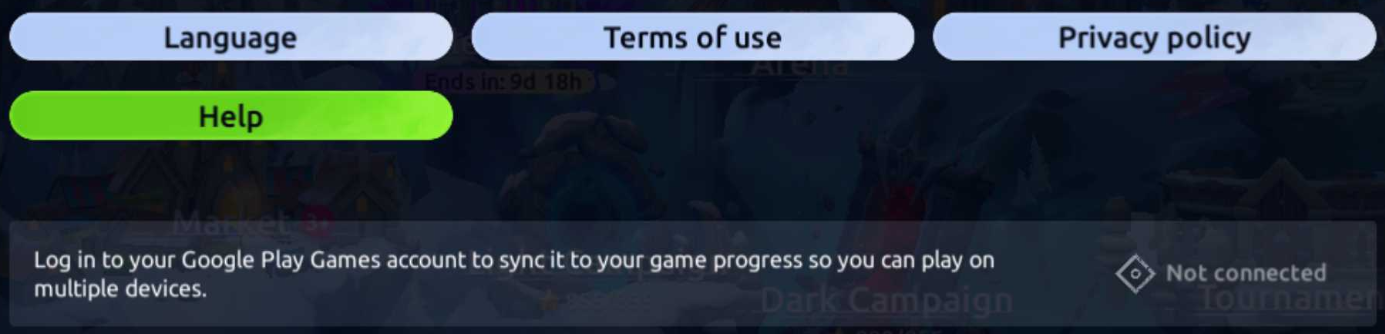
If you see the following message, please follow the instructions to sync your progress with your Google Play account.
I have two profiles. How do I switch between them?
- Open the Play Games app > Settings > Select an account for games. In this section, you can change the Google Play account used to log in to the game.
- Tap the ‘Change’ button and select the desired Google Play account.
Please note that switching between Google Play accounts will restart the game.
I don't know which Google Play account my profile is linked to. What should I do?
We do not have access to your personal data and do not know which Google Play account your profile is linked to.
You can check this yourself:
- Open Play Games Settings and select the ‘Select account for games’ menu.
- In the window that opens, you will see which Google Play account your profile is linked to.
For all questions related to saving your progress, you can always contact our support service via the ‘Help’ button in the game settings.